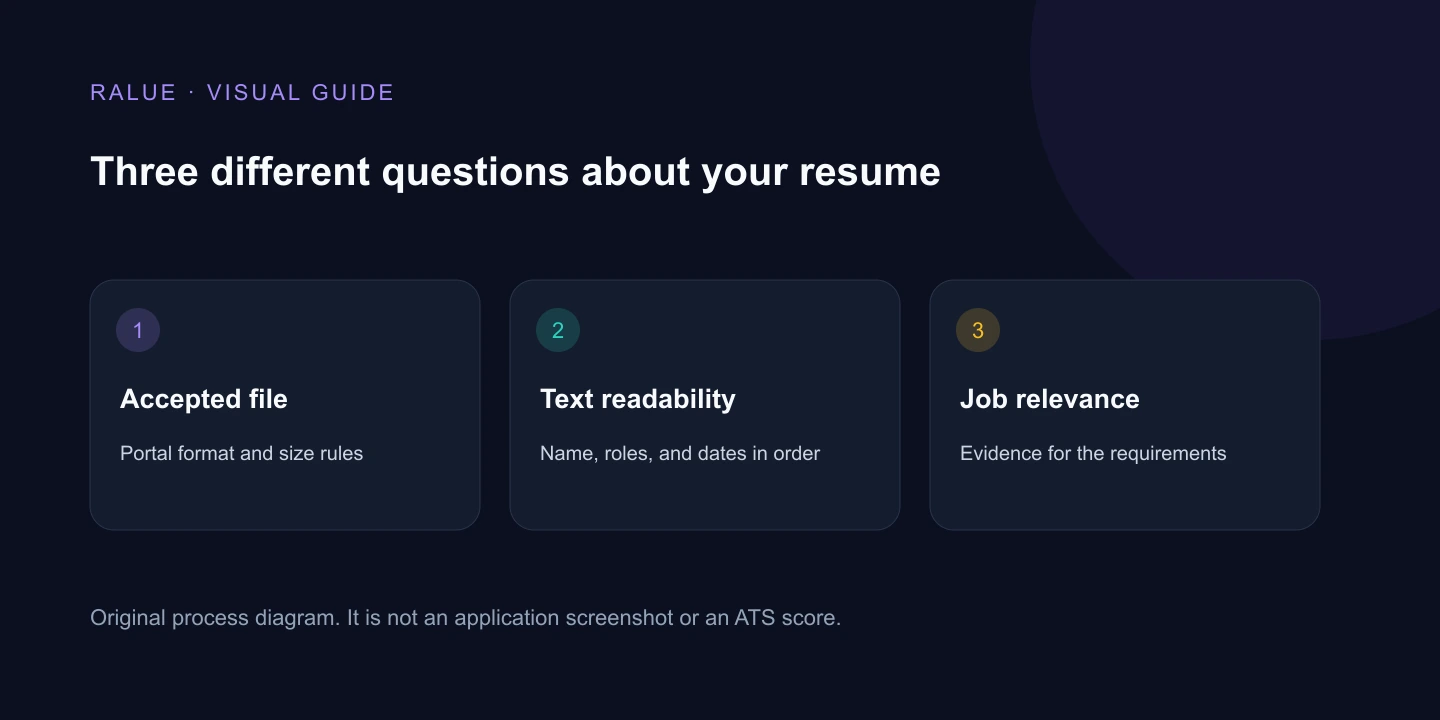
An ATS-ready application needs two different checks: whether the file presents your information in a usable form, and whether the information supports the role you are applying for. A readable resume can still miss a required qualification. Relevant experience can also be hard to understand if dates, headings, and contact details are poorly organized.
An applicant tracking system helps an employer manage applications and may extract information from uploaded documents. Its features and the employer's settings vary. There is no single score that describes every recruitment process.
This guide walks through the file and content checks using Lucia, a fictional marketing coordinator. The examples are demonstration data, not claims about a real candidate's hiring results.
Separate accepted file type, parsing, and job fit
A successful upload is not the same thing as correct extraction. Correct extraction is not the same thing as meeting the role's requirements.
Check | What you are checking | What it does not prove |
|---|---|---|
Accepted file type | The portal accepts the extension and file size. | That every field will be extracted correctly. |
Readability and parsing | Contact details, roles, dates, and skills remain understandable. | That your experience matches the job. |
Job relevance | You have evidence for the posting's requirements. | That the employer will offer an interview. |
This distinction helps you address the actual problem. If an application field contains the wrong date, correct the field. If a job requires a credential you do not hold, switching fonts will not create that qualification.
Read the employer's instructions before choosing a format
Check the accepted extensions, maximum size, and any specific request in the posting. Some portals also ask you to enter employment details manually. Follow those instructions even if you have a general preference for PDF or Word.
Greenhouse documents PDF and DOCX among its supported upload formats and also describes circumstances in which parsing can fail. That is useful evidence against treating one extension as universally safe or universally rejected.
The PDF versus Word guide explains the decision in more detail. What matters is the file you will submit and the receiving portal, not a claim that one format beats every ATS.
Check the exported text, not just the editor preview
Open the downloaded file and try selecting a sentence in each section. Then copy the text into a plain text editor. Look for your name, contact information, employers, roles, and dates.
This does not recreate the exact parser used by the employer. It can reveal an image-only document, missing information, or a reading order that is difficult to follow. Treat it as a troubleshooting step rather than a compatibility certificate.
For Lucia's fictional resume, the Content Coordinator title should stay associated with Delta Studio and its dates. If the copied text puts those dates beside the volunteering entry, review the layout or correct the application fields before submitting.
Use headings and a structure that explain the content
Section names such as Experience, Education, and Skills tell a reader what to expect. Creative labels can make an already short document harder to navigate.
A simple structure can help review, but a two-column document does not automatically fail. Check your exported file. If one column interrupts the text in another, simplify that layout or change the export that caused the problem.
Tables also need a more specific assessment than “all tables are bad.” A straightforward table with a sensible reading order is different from a layout involving merged cells, floating text boxes, and overlapping elements. Test the actual document instead of inferring its structure from a screenshot.
Check the small details that connect the career history
Confirm the email address, links, job dates, and association between each role and its employer. Use a consistent date style. Make it clear when a position is ongoing and when it ended.
An updated resume can retain an old “Present” label or shift a date into the preceding section. Those errors can be introduced while reorganising content even when the file itself remains readable.
When a portal autofills your work history, read every field before continuing. Correct errors where the form allows it. The values in that form may differ from the visual document you uploaded.
Compare requirements with evidence you can explain
After the file checks, compare your content with the posting. Lucia's target role asks for editorial scheduling, coordination with designers, and Excel reporting. Her existing notes contain evidence for each activity.
Terms from the posting belong in the resume when they accurately describe that work. Adding “global strategy,” “team leadership,” or unfamiliar advertising platforms would change the factual account. Repeating those terms would not solve the gap.
A practical comparison uses three columns: requirement, real example, and location in the resume. If you have no supporting example, mark it as a gap. The tailoring guide shows how to make the existing evidence visible without inventing another background.
Use Ralue's review tools with realistic expectations
The editor's review panel can help you identify aspects of the document that deserve attention. Job Match compares resume text with a posting. Its score is an internal alignment measure, not the employer's ATS result or an estimate of your chance of being hired.
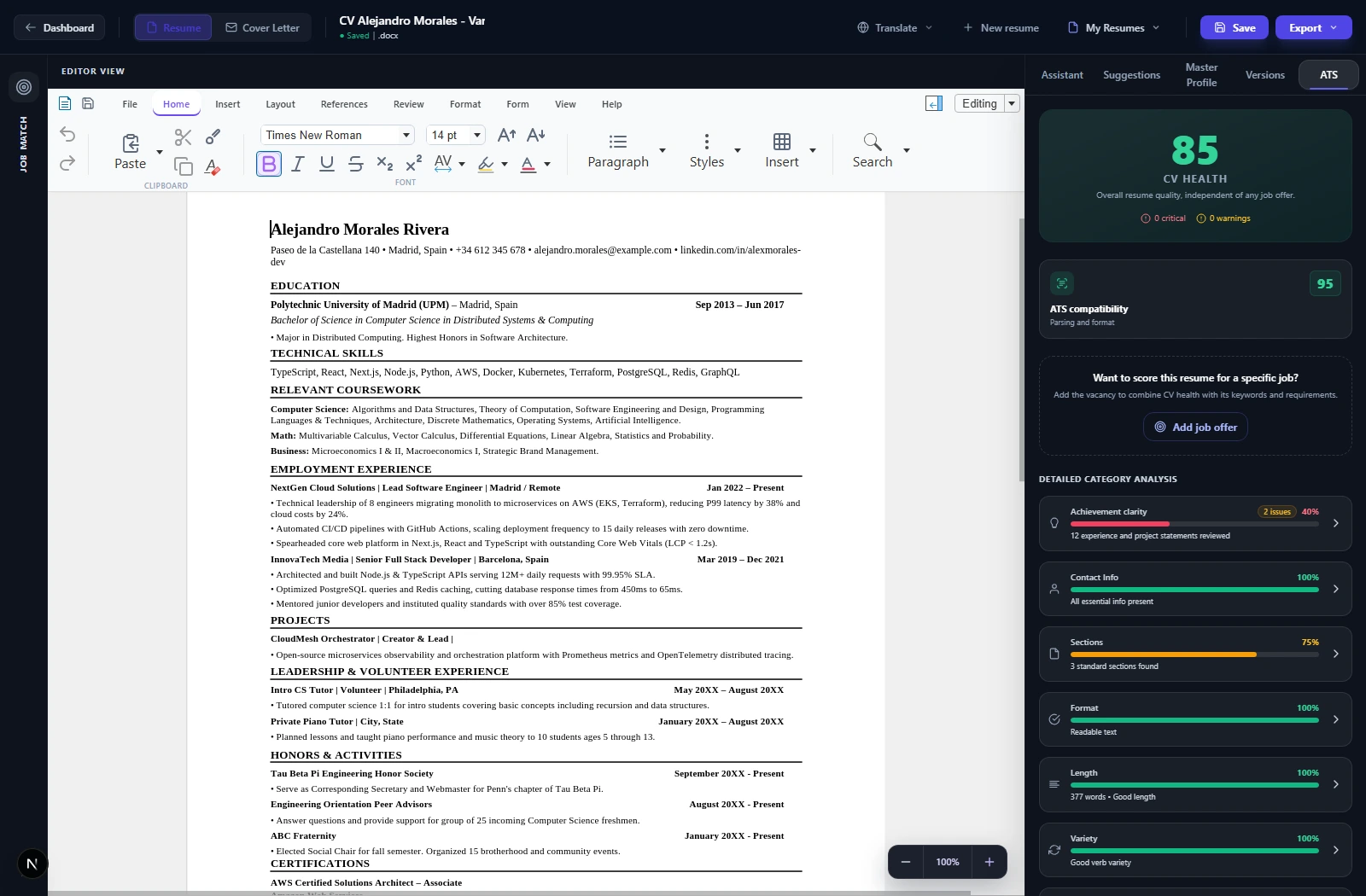
The screenshot comes from a demonstration account. A panel observation is a reason to inspect your file, not proof that every recruitment system will handle it identically. If you use the assistant to revise a sentence, check the facts before applying the proposal.
Save the changes and open the exported file. Seeing a current document in the editor does not demonstrate that a particular download contains the latest version. The final review needs to happen on the file you will submit.
Address avoidable errors before submitting
A scan may preserve appearance while losing selectable text. An image that contains a skill may not contribute that information to extracted text. An overcomplicated heading area may separate contact details from the rest of the document.
Content errors matter too: misspelling a tool, keeping another employer's name in a cover letter, or listing skills without explaining where you used them. Fixing a specific error is more productive than pursuing a supposed perfect ATS score.
Do not hide white text or insert qualifications you do not hold. Even if a system collected that text, it would still be a claim you might need to explain. The document should help a person understand your work.
Repeat a final check on the correct file
Open the right version, confirm the accepted format, and review the copied text. Then compare the job requirements with your evidence once more. In the portal, check any autofilled fields and keep a recognizable copy of what you submitted.
If you find a problem, change one thing and check again. This helps distinguish an improvement in reading order from a change that only affects appearance. Use the ATS-friendly format checklist for a more detailed file review.
For US industry applications, the usual document is a resume; many UK employers call their corresponding application document a CV. Follow the posting's terminology and requested material. Do not confuse an academic CV with an industry resume simply because both are written in English.
Common questions
Does an ATS reject every two-column resume?
You cannot determine that from the number of columns alone. Review the exported text and application fields. If the order is wrong, a simpler layout may help resolve that particular problem.
Do I need a paid checker?
You can begin with the posting's instructions, selectable text, a plain text copy, and the application fields. An additional analysis can guide review, but a score does not replace those checks.
What if my resume reads well but I receive no responses?
Readability is one part of the process. Review the role requirements, the clarity of your examples, and the evidence you chose to emphasise. A lack of response does not by itself diagnose a file-parsing failure.
Try it yourself
Your pre-submission check
Check off what you have verified in your file. This checklist does not analyze uploads or certify ATS results.
0/5 checks completed
Sources and further reading
Personal examples in this guide are fictional. Employers make their own hiring decisions; no template or score guarantees an interview.